To begin creating your very own player chest-shop, start by placing down a chest.
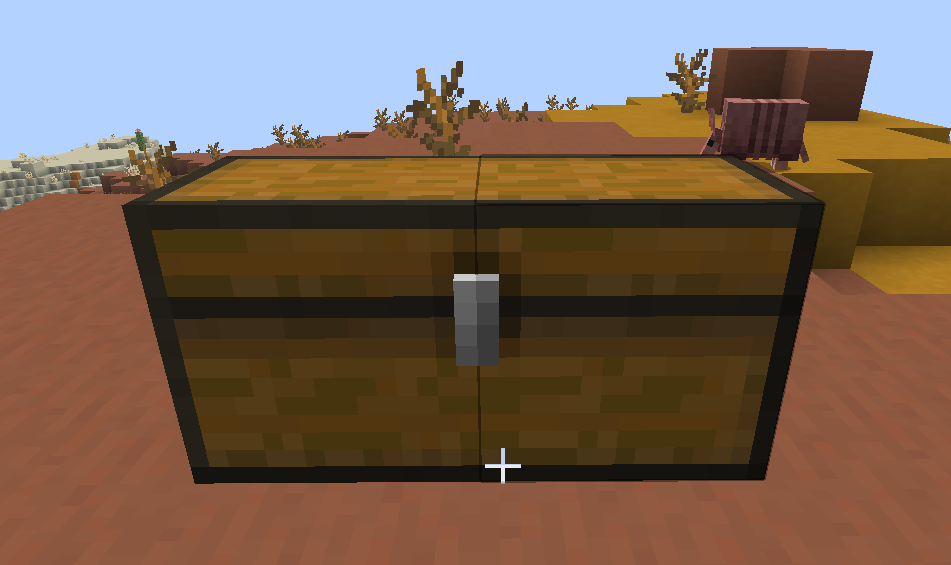
Now, with your cursor pointing at the chest, type /chestshop create <shop_name> (without the ”<>”).
You should see a message saying your shop was created.

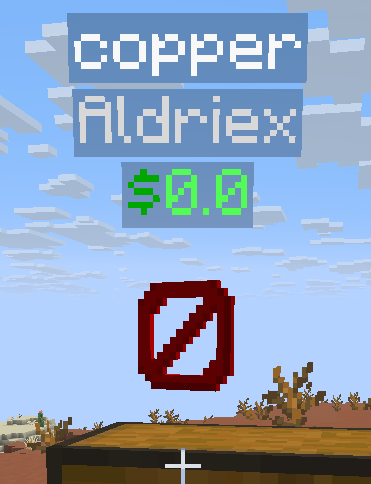
You should now see a barrier item floating above your chest, with the name of your shop, your player name, and the price (currently $0).
When you try to open the chest (by right-clicking on it), you’ll now be presented with a menu instead of the usual chest interface.
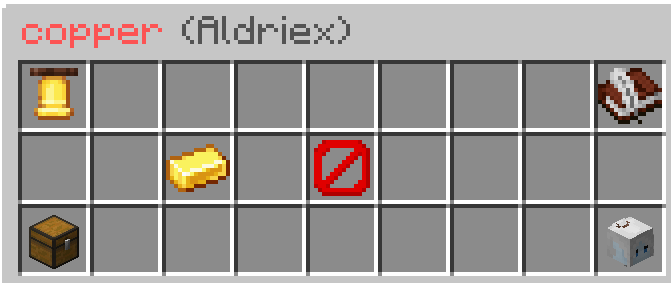
In order to set what item you’d like to sell, click and place the item onto the barrier.
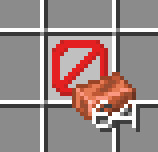
The item should then replace the barrier, indicating that this chest now sells this item.
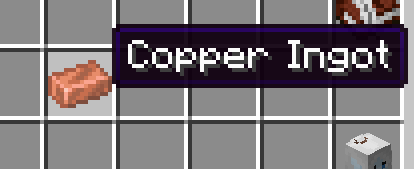
Next, click on the gold ingot to set the price. You should see this message in chat: 
Simply type the number in chest to set the price in dollars. Note that this message gets posted to chat.
After posting the number, you should now see the hologram above the chest has updated.
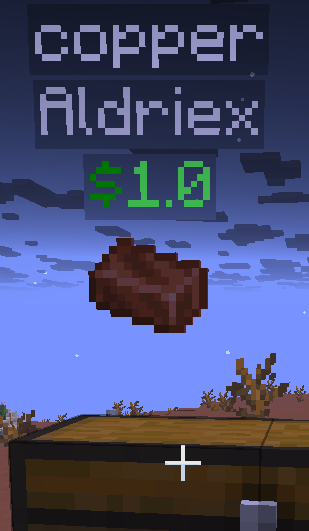
At this point, other players can buy items from your chest at the listed price.
In order to populate the items in the chest, click the chest icon from the chestshop menu.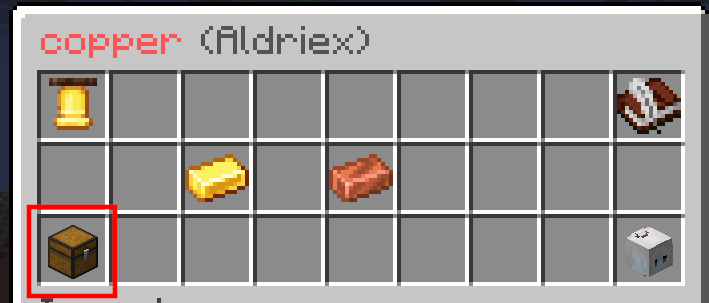
This will open the regular chest menu and allow you to populate it with the items to sell.
Your shop is now all set up! We recommend creating a player warp to make it easier for other players to find your shop.
FAQs
Can I populate this chest automatically?
Yep! You can still interact with it as a normal chest, so hoppers, droppers, and crafters can all insert items into it.